
01
The shape comes from the library
Every model in the device library carries its own outline, cutouts included. Select the device at the station and that outline is the pattern.
Cut-to-Fit Studio
The Oryx Nova Cut-to-Fit Studio is a schematic drawing, not footage, of what an Oryx Nova station does at the counter: the outline of the chosen device comes from the device library, the blade traces it, and the cut piece of protective film lifts off ready to apply. Pick a device category and the drawing replays the cut for it. One station, no stock of sizes.
The bench
Phone, watch, laptop or lens: the station does not change, only the outline it loads. Choose a category and the drawing replays the cut for it.
Choose a device category
A schematic drawn from the library outline, not footage of the machine. Proportions are generic; every model in the library carries its own exact outline.
Phones · outline from the device library, traced, then lifted.
How it works
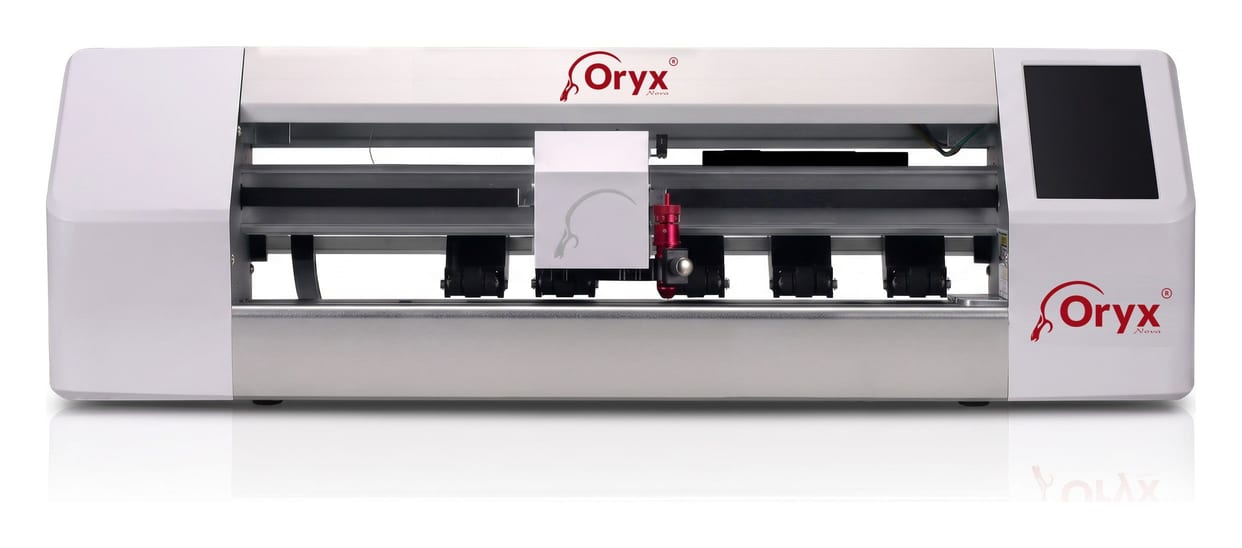
The station
The gesture above is the one a Machine Ultra performs on its bed: the same library and the same blade path, on the film your shops stock. Every Oryx Nova station cuts from that library; the range is compared side by side on the machines page.